Drake Primary School and Little Ducklings Childcare
Technology Council
"Our mission is to help the school community with technology and introduce new technology into the school."
Stylus for Digital Art
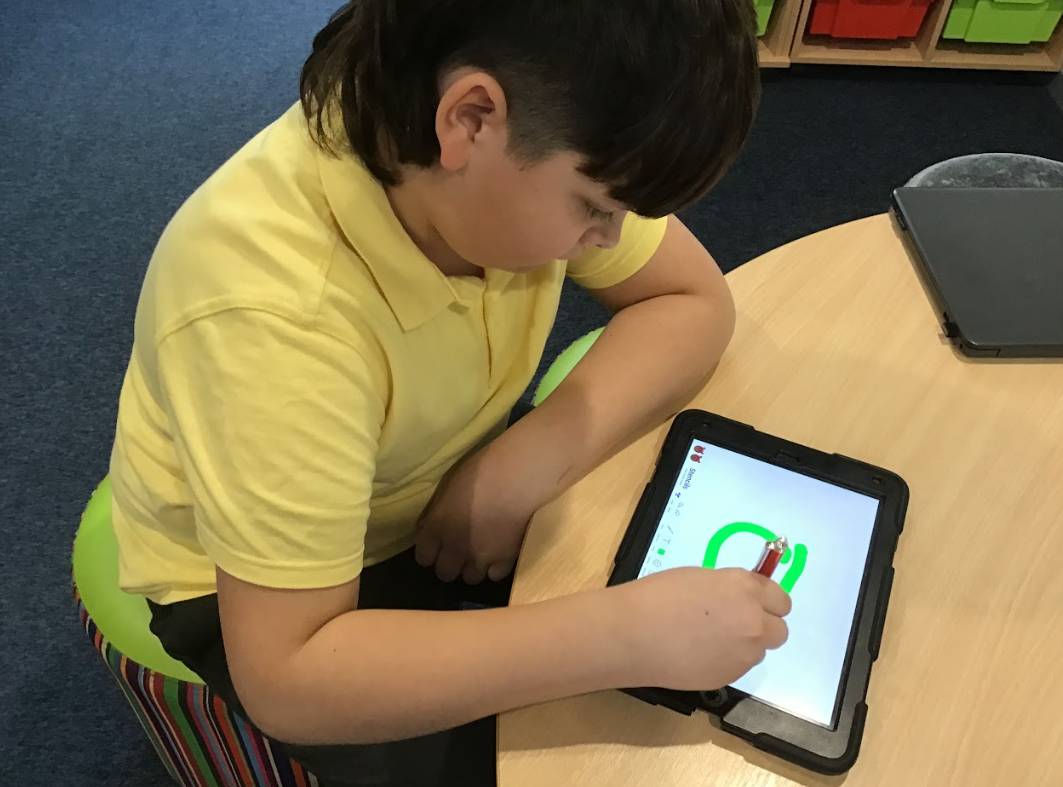
We have been exploring ways to create digital art using iPads. We wanted to see if we could get a good result from an inexpensive stylus.
Olive: I like the stylus - it's easy to use and feels nearly as good as writing on paper.
Henry: You do have to push quite hard to make the line, but it's decent overall.
Adam: It works well - better than I expected.
Oliver: Pretty good, but you have to press quite hard.
James: It works well, but it is a little tricky to change line thickness.
Conclusion
Tech Council agreed that this is a good starting point and is worth trying in curriculum Art and Computing lessons. They will check back in with teachers and pupils once the pens have been regularly used.
TaleBot vs Cooper the STEM Robot
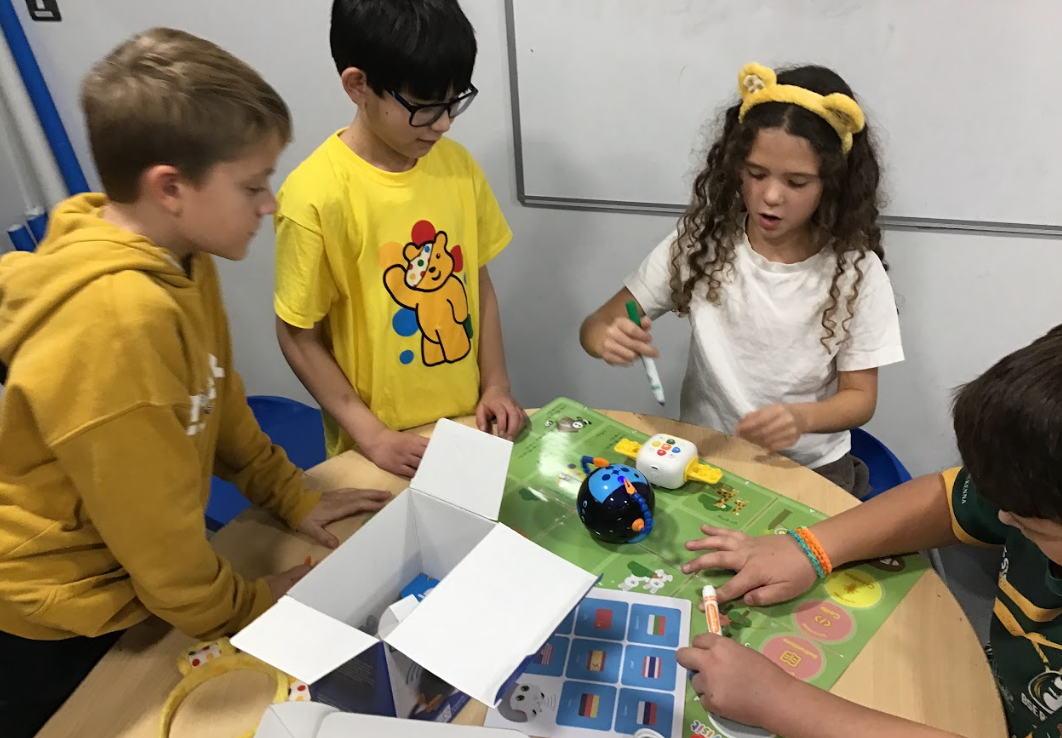
We were very kindly sent Cooper the STEM Robot to test. We compared it to our current robot of choice: TaleBot Pro. We were impressed by Cooper's ability to interact with other Coopers and we liked how its sensor could respond to different cards. Overall, though, we felt the Talebot Pro still fits our needs slightly better, as it clearly displays program sequences and feels a little bit more user friendly. The Talebot is also better at holding pens and recording voices, which can help our Reception classes. We really like both - and both robots are improvements on the standard Beebot - but we will continue to use Talebots primarily.
TaleBot Pro
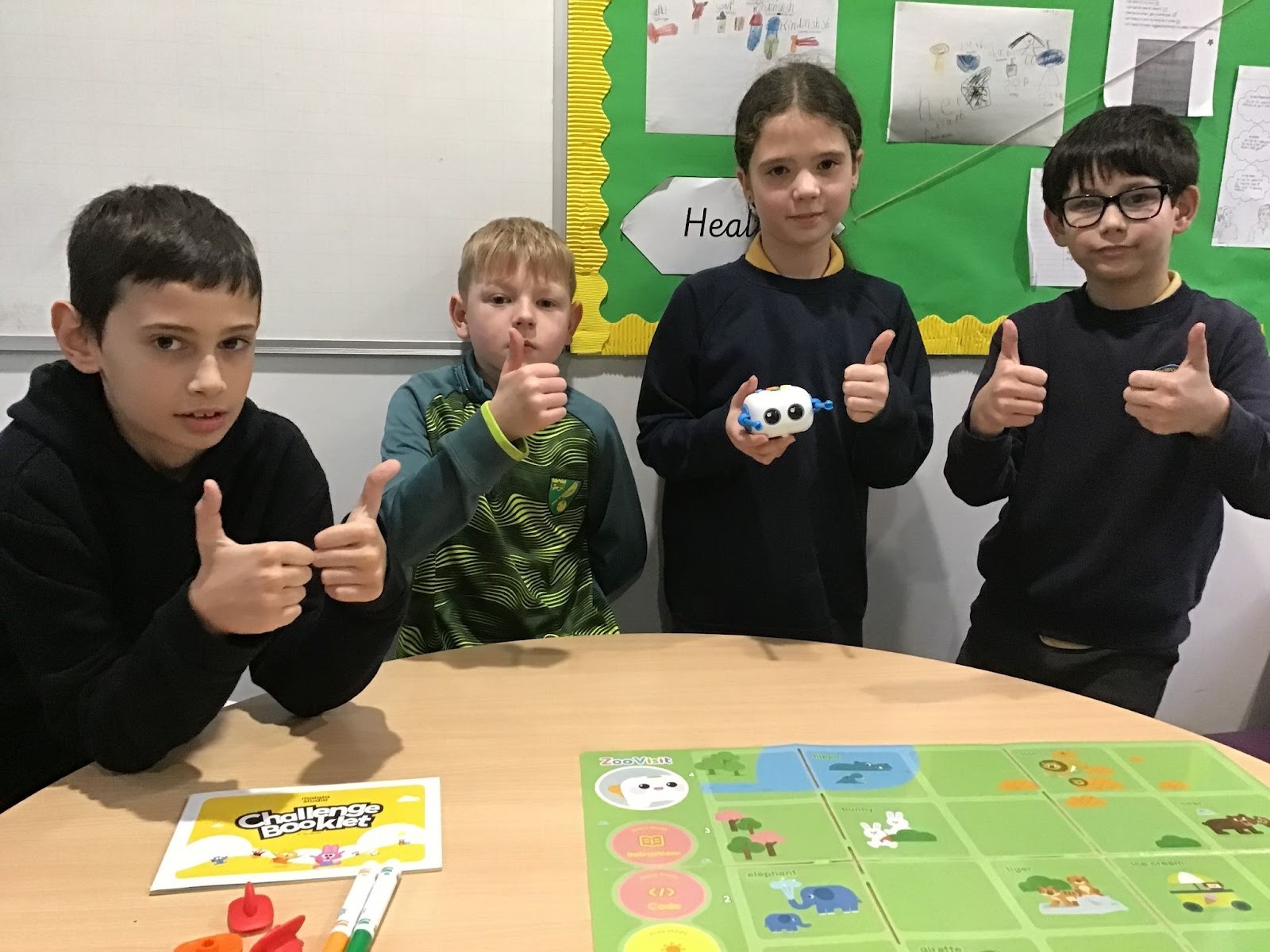
This week, the Tech Council have been exploring new technology to support our Computing curriculum in EYFS and KS1. This is called a Tale-Bot Pro and the group were very impressed with it. Unlike our current Beebots, it can show what commands have been programmed in, make sound recordings and even draw pictures!
3D Printing
We have been exploring our new 3D printer (kindly gifted to the school by Warren Services). We have learned how to make basic structures on browser-based software TinkerCAD, and have used Prusa Slicer to generate instructions for the printer. We have practised printing various different objects, and delivered an assembly to the school on how to use our new machine.
You can watch our introductory and instructional video here: 3D Printer Video
Unboxing our Ender 3 3D Printer
Exploring TinkerCAD
Marty the Robot Review
We were really impressed with Marty the Robot. What excited us most was being able to control him both with block-based, Scratch-esque code and a text-based language like Python. The block-based coding worked brilliantly, and we were quickly able to use our understanding of sequence and repetition to get Marty moving. Unfortunately, in order to get Python running we needed a proper, full-install of the language's interpreter on a PC - we currently only write Python in a simulated, browser-based environment like Trinket.io. We all agreed that Marty could be a powerful tool, but we would need to conduct some fundraising in order to purchase.
Our top tech tips (2022)
Ryan (Year 4)
"Make sure you rest your eyes and take regular breaks from the screen."
Emily (Year 6)
"If you make a mistake halfway through the sentence, you can use the left and right arrow keys to go back through the text."
Oliver (Year 5)
"You can use CTRL + C together to copy and CTRL + V to paste."
Santiago (Year 5)
"You can save your website favourite addresses (URLs) in your browser toolbar by using the "bookmark" tool. This means you can access them without having to retype the address."
Maksymilian (Year 6)
"If you have a new enough computer/ storage You can update Windows 10 to become Windows 11 for free. First, go to the start menu and then click on settings. Then click on Windows Update to see if you are illegible."
Eliana (Year 6)
"While in a word document, you can hold the CTRL and A keys down together to select everything that has been written. This is useful because you can delete everything if you want to start over, or you can make other changes to all of your text at once. You can use this in other programs, too."
-
Tech Council's Online Safety Kahoot! Check out our Kahoot that tests your knowledge of online safety!